AI Film Dubbing and Lip Sync Mismatch: Is It the Audio or the Visual?
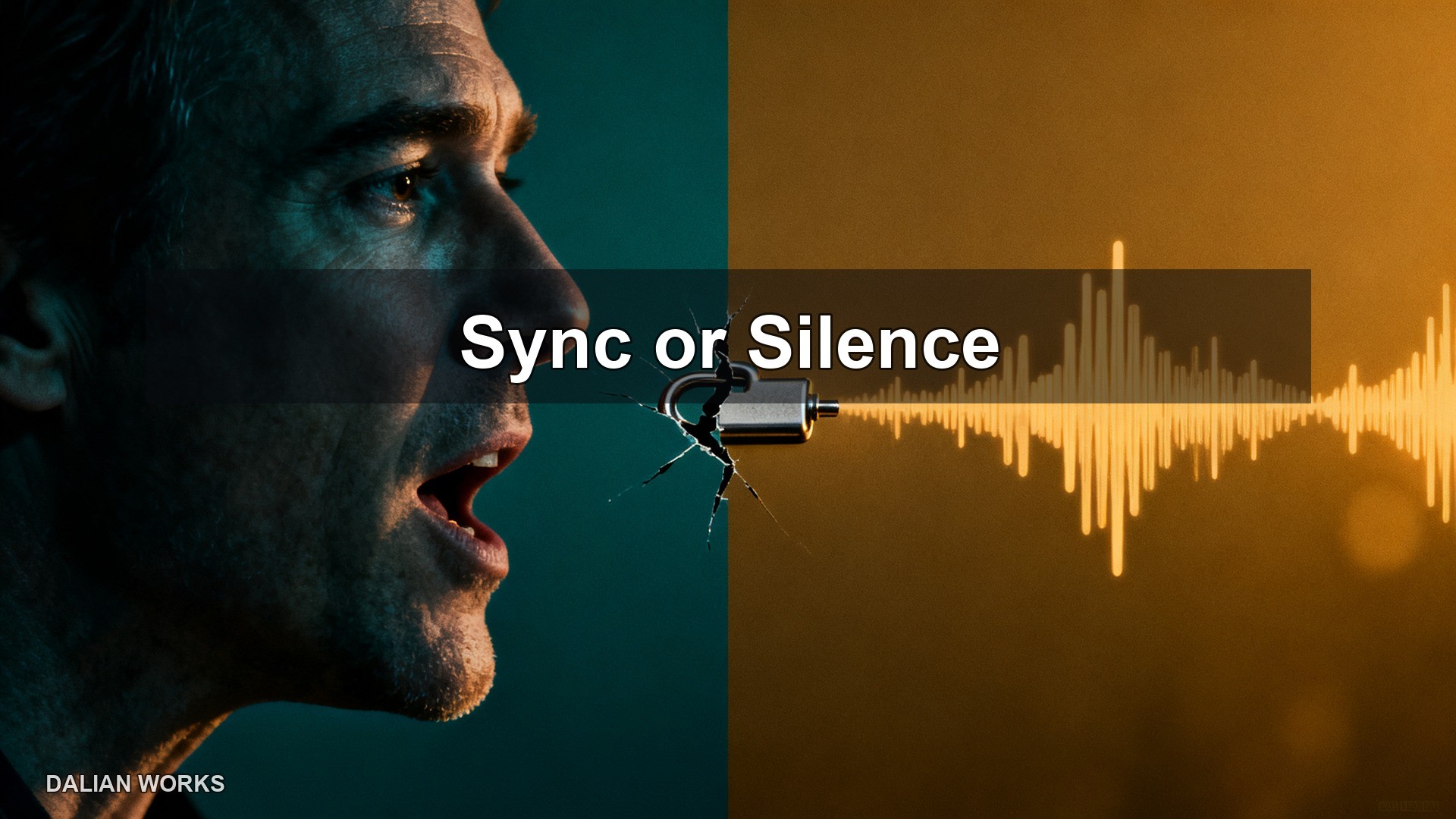
The mismatch is not the fault of the dubbing, nor the fault of the footage—it's an inherent incompatibility between shot duration and line length. A shot is generated from a first frame and a last frame, with a fixed duration of five to eight seconds; a line is read according to the script's length, and one sentence can take three seconds or nine seconds. When neither side is willing to budge, misalignment is inevitable. So the direction to fix it is not "make the lip sync more precise," but first fix the duration, then trim the dialogue.
Let me first explain the mechanism of misalignment. When generating a shot, you actually only provide two images (first frame and last frame) and one action description. The model fills in the intermediate process based on physical common sense and outputs a five-to-eight-second video. In this video, the character is speaking, but it's a transition "from mouth shape A to mouth shape B," which has nothing to do with the dialogue you dub on afterward. So any "mismatch" is structural—it's not that a particular model is broken.
The first action is to cut the dialogue. Based on experience, three to three and a half Chinese characters per second is the rate—a ten-second shot can hold at most 35 characters. When writing the storyboard, mark the character count right after each line. If it's over, split it into two sentences within the same shot, letting the second sentence land in the next shot. After this step, about 70% of misalignment disappears; the remaining 30% is emotional pacing, which audiences won't even notice.
The second action is to split shots, not sentences. Many people do it backwards—they first write a complete, full paragraph, then force it into one shot. The result is that the video gets stretched longer, and the model starts breaking faces, deforming shapes, and drifting backgrounds the longer it runs. The correct order is: first break the content into short sentences at natural speech pauses, give each sentence its own shot, and let the shot length follow the sentence. That way, dialogue and shots grow together, and there's no "mismatch" to begin with.

The third question: do you need to align lip sync frame by frame? The answer is no. For a runtime of two hours and twenty minutes with 1,029 shots, frame-by-frame lip sync means every single shot needs its own lip-shape driver, which costs more than regenerating the footage. Audiences watch rhythm and emotion. As long as the character is speaking and the speed and pauses roughly match the dialogue, no one is going to pause and count frames. What actually pulls people out is "a person moving but no sound" or "sound playing but the person's mouth isn't moving"—those are the real hard flaws that must be fixed.
The fourth question: how do you keep the voice consistent? When one person makes an entire film, the easiest thing to derail is timbre. Today you use voice A for the protagonist, tomorrow the software restarts and silently defaults to B—the same character has two different voices across the film, and the audience disengages immediately. The fix is to lock the timbre into a table: character code, voice ID, speech rate, pitch—store those four fields in a database and pull from that table every time you dub, never pick from memory. Switch computers, switch devices, come back a month later—you still get the same voice.
There's one more detail worth mentioning separately: narration and dialogue must not use the same speech rate. Narration is storytelling—around four characters per second feels most comfortable; dialogue is performance—around three characters per second gives room for pauses. If both use the same rate parameter, the whole film sounds like an audiobook, not a movie. If this isn't written into the spec, there's a nine-in-ten chance it'll be missed.
Finally, here's an actionable check standard. After dubbing, run through these three criteria: first, each line's character count divided by the shot's seconds should land between 3 and 3.5; second, the same character's voice ID must be consistent across the entire film; third, spot-check ten shots—the time gap between the character opening their mouth and the sound starting must not exceed half a second. If all three pass, you don't need to obsess over lip sync anymore.
There's also a term called "negative space," specifically for treating "dialogue that's too full." In the same scene, if every line fills every shot, the audience feels suffocated. The technique is: every three or four lines, leave one reaction shot with no dialogue—a character looks up, fingers tap the table, wind noise outside the window. These shots need no dubbing, so they have no lip sync issues, and they're actually the best way to control pacing. In a two-hour-and-twenty-minute film, these wordless shots make up about 20%—the most effortless and most effective part of the entire workflow.
There's one more thing to decide in advance on the tooling side: export voice tracks by character, don't mix them into one. One audio track per character, with the file name carrying the character code and shot number—for example, "CharacterA_0231." That way, if you need to re-dub one line later, you replace that single track without touching the whole segment; if it's mixed into one track, changing one line means resyncing the entire duration. This habit makes no noticeable difference with a dozen characters, but with thirty, it's a lifesaver.
When is it necessary to regenerate the footage rather than re-dub? The judgment criterion is movement: if the character has obvious gestures, walking, or turning in the shot, and those actions don't match the emotional tone of the line, you need to regenerate—changing the voice alone can't save it; if the character is just standing or sitting and talking, with very little movement, re-dubbing is enough. This single standard can cut rework in half, because most dialogue shots are actually static.
Lastly, a sense of scale. Out of 1,029 shots, only about 300 actually have dialogue; the remaining 700-plus are empty shots, action shots, and environmental shots. In other words, lip sync issues affect at most 30% of the shots. Cut the long lines short in that 30%, dub by character track, and the other 70% doesn't need any attention. Many people throw all their energy at lip sync at the start—that's letting a 30% problem drag out an 11-day schedule.
At the end of the day, "lip syncing" in AI films is a false problem. What you actually need to control is rhythm: how long the shot is, how much is said, and where it stops. Nail those three things down with numbers, and it will sound right; trying to match it frame by frame with your eyes will never finish.