Eleven Days, Three Computers: Five Hidden Pitfalls Behind a 1,000-Shot AI Film

Let me start with the first pitfall: the idempotency lock in `atctoscene`. When you call `funx.atctoscene` to process a chapter, the first run succeeds, and the extracted characters, locations, and storyboards are all written to the database. But if you trigger it a second time—due to network jitter or accidentally double-clicking—the system won't regenerate a clean set of data. Instead, it outright refuses to execute and returns an error saying the chapter has already been processed. This isn't the system being temperamental; it's the idempotency lock at work, preventing the same chapter from being processed twice. The underlying reason is that `atctoscene` isn't idempotent in its output: it writes characters to `dbvideo_roles`, locations to `dbvideo_places`, and generates storyboard records in `dbvideo_process`. If executed twice, those tables would end up with a full duplicate set of records. Downstream image-generation tasks would see the duplicate data and generate two sets of first and last frames for the same shot, ultimately causing shot jumps and content duplication in the final cut. *First Avenue* has 69 chapters, and everyone's workflow differs—you might finish one chapter, want to verify the output quality, and then move to the next. But if your verification method is re-running the function, the idempotency lock will block you. In practice, the cost of triggering `atctoscene` once redundantly isn't a few wasted seconds; it's having to manually audit the `dbvideo_process` table, locate the entire new set of duplicate records, and delete them row by row, along with the associated character images and location images. That cleanup alone takes at least 40 minutes. The workaround is to query `dbvideo_process` for an existing record with that `chapterid` before calling `atctoscene`—if it exists, skip it; if not, then call the function. Simultaneously, gray out the invocation button in the UI during execution to prevent double-clicking.
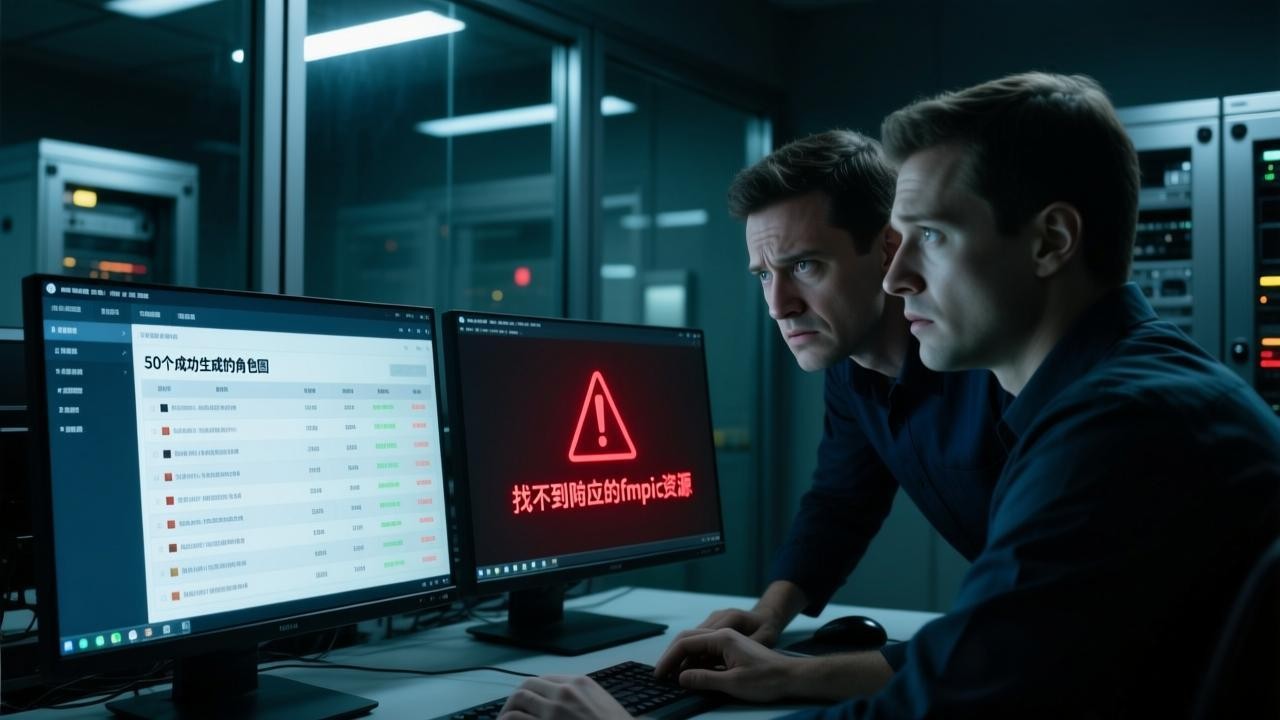
The second pitfall: the LLM channel binds the uid via CRTOR. The trap here is that when you use your own account to initiate a `drawrole` Volcano sync direct call to generate character images, that request gets bound to your uid. Any subsequent scene-compositing task based on those character images—if a different uid is used to call `placeaiwords`—will fail to retrieve the previously generated image resources because the channel is inconsistent. On the surface, multiple people on the same project share the same database tables, and everyone can read and write `dbvideo_roles` and `dbvideo_places`. But the LLM channel's quota and call records follow the uid, not the database tables. The real-world scenario goes like this: you run 50 character image-generation tasks with account A in the morning, then ask a colleague to run the remaining characters with account B in the afternoon. The character images generated by account A can't be referenced by `placeaiwords` tasks initiated by account B during scene compositing—the system errors out, saying the corresponding fmpic resource can't be found. That's because the crTOR channel you called is bound to A's uid, and B's uid has no permission to access the historical task records of A's channel. Full production of *First Avenue* involves three paths—character image generation, location image generation, and scene compositing—and if the callers across these paths aren't the same person, the entire pipeline breaks. The workaround is simple: unify all image-generation tasks for the entire project under a single uid, never mix accounts, and don't distribute tasks across different accounts for convenience. In practice, image-reference failures caused by account mixing take at least two hours to troubleshoot, and they're hard to spot visually because the database records all look normal—the discrepancy only exists on the LLM channel side, where no matching relationship can be found.
The third pitfall: `places` is not a location dictionary—it's one row per shot. This counterintuitive design trips up many people. The conventional approach is to build a location table where a single palace has exactly one row, and all shots involving that palace reference that row. But in the CloudKude system, each row in the `dbvideo_places` table doesn't represent a location; it represents the location *within a single shot*. In other words, if the same palace appears in shot 320 and shot 450 of *First Avenue*, there will be two distinct `places` rows, each containing that shot's specific location description, image parameters, and compositing-word configuration. Why design it this way? Because if it were a dictionary table, when two storyboard rows reference the same location, modifying the scene details in one row would affect the other shot—they'd share the same record. But what you actually need is for each shot to have independent location representation data. After all, the same palace generates completely different images depending on whether it's day or night, close-up or wide shot, realistic or period style. People who fall into this trap operate with the dictionary mindset, trying to reuse an existing location record, and discover that after changing the palace to a snowy scene in one shot, the palace in another shot also turns snowy—because both storyboards share the same `places` row. The correct approach is to insert an independent new row into the `places` table each time a storyboard is generated, preserving that shot's unique location description. In practice, if you mistakenly use dictionary mode, a single location edit triggers cascading changes across an average of seven to eight shots, and regenerating those shots takes about two and a half hours.
The fourth pitfall: first and last frames must be generated as a pair; otherwise, `secondpic` is left with a `STCODE.png` placeholder. Each shot requires two images—the first frame suffixed with `-a` and the last frame suffixed with `-b`—and together they drive the image-to-video task. But in task scheduling, the first frame and last frame are two independent task items that may be dispatched to different processing nodes. If the first frame succeeds but the last frame fails due to timeout or a model-channel anomaly, the system doesn't automatically retry. Instead, it writes a fixed `STCODE.png` placeholder filename into the `secondpic` field in the database. This placeholder looks like a normal file, but its content is a gray-textured placeholder image. When the downstream image-to-video task reads this placeholder, it generates a video with incorrect content—the frame turns into gray blocks, wasting one video-generation call. In practice, with *First Avenue*'s 1,029 shots, if 100 shots produce erroneous videos due to missing last frames, the cost of re-running those video tasks at roughly three minutes each adds up to an extra five hours. The workaround is to bind the first and last frames into the same task group at submission time—the two subtasks within the group must either both succeed or both fail and retry as a whole, with no intermediate state of single success allowed. Additionally, add a database-level validation: if the `secondpic` value is `STCODE.png`, block the downstream generation flow until the actual last frame is generated and the field is updated.
The fifth pitfall: `vdurl` holds no real video URLs—videos exist only in Jimeng. This is the most hidden pitfall in the entire pipeline, and the easiest to misjudge progress on. After the full workflow completes, you need to output a complete two-hour-and-twenty-minute film, but in any table in the system—including `dbvideo_process` and the final-cut record table—you won't find an HTTP link pointing to the final video file. The `vdurl` field has values, but those values aren't addresses; they're task reference identifiers from the Jimeng platform. The actual video files are all stored in Jimeng's cloud, and normal external links can't directly access or download them. This means that when you think the entire film has been generated, what's actually happened is that the system has simply submitted all 1,029 shots' video tasks to the Jimeng platform. Whether each task has truly finished rendering and produced a playable video requires logging into Jimeng's backend to check individual task statuses. In practice, six shots failed to complete rendering due to platform-side network fluctuations, yet the CloudKude system showed these shots' `vdurl` as populated—you can't use that field to judge whether a video actually exists. The workaround is to proactively call Jimeng's query interface to verify the task status after each shot's `vdurl` is written, marking it valid only when the platform returns a completed status; otherwise, mark it as pending re-run. At the same time, set up an inspection script that scans all `vdurl` records across the film hourly, identifies abnormal statuses, and resubmits those tasks.
Once you've hit all five pitfalls, you truly understand why this system can support an 11-day completion. Because the pitfalls are fixed, enumerable, and have countermeasures—they don't appear randomly. The idempotency lock is avoided through pre-query checks; CRTOR uid binding is avoided through a unified account; `places` one-row-per-shot is enforced by the data model's constraints; first-and-last-frame pairing is handled by task-group design; and `vdurl` lacking real videos is managed by proactive inspection. The cost of avoiding each pitfall is far lower than the rework cost of hitting it. One person using three computers to make a two-hour-and-twenty-minute AI film isn't about luck in dodging pitfalls—it's about marking every pitfall out, then building guardrails around each one. The point of engineering isn't to never make mistakes; it's to be able to quickly locate and fix each mistake, and to ensure the same error doesn't force the entire pipeline to start over. The demining checklist here is more direct than any methodology, because it tells you the specific tables, specific fields, and specific operation paths—not abstract principles. Fall into a pit once, remember it, get past it, and everything left is just pushing tasks forward in order.